The Nvidia Shield runs Android TV with Google Play built in, which makes it one of the best 4K IPTV players you can buy. Install a player straight from Play, or use Downloader for the apps that aren't there.
You need the Shield connected to a 4K TV and the internet, ideally by Ethernet, the Google account it's signed in with and your WizTV login. Any Shield TV or Shield TV Pro works.
Open the Play Store on the Shield, search for a player such as IPTV Smarters Pro and install it. If the app you want is on Play you need nothing else, so skip to the login section below.
In the Play Store, search for Downloader and install the free app.
Go to Settings, then Device Preferences, then Security & Restrictions. Open Unknown Sources and turn Downloader on.
Open Downloader and type the Downloader code shown on the app you want below. Let it download and choose Install.
IBO Player Pro and Hot Player tie themselves to your device. Open the app to see its MAC address and follow the activation steps on its card below.

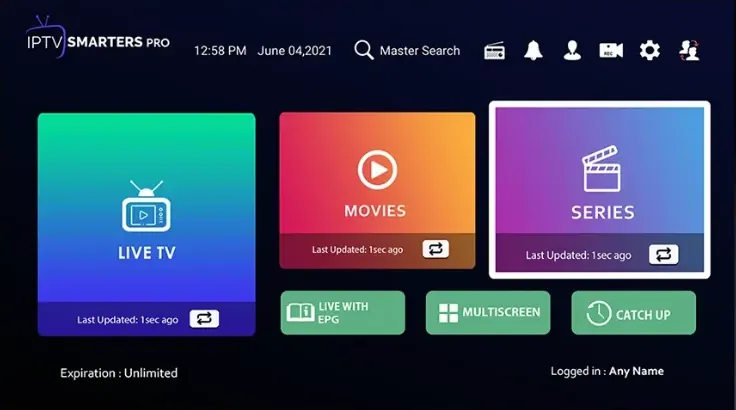

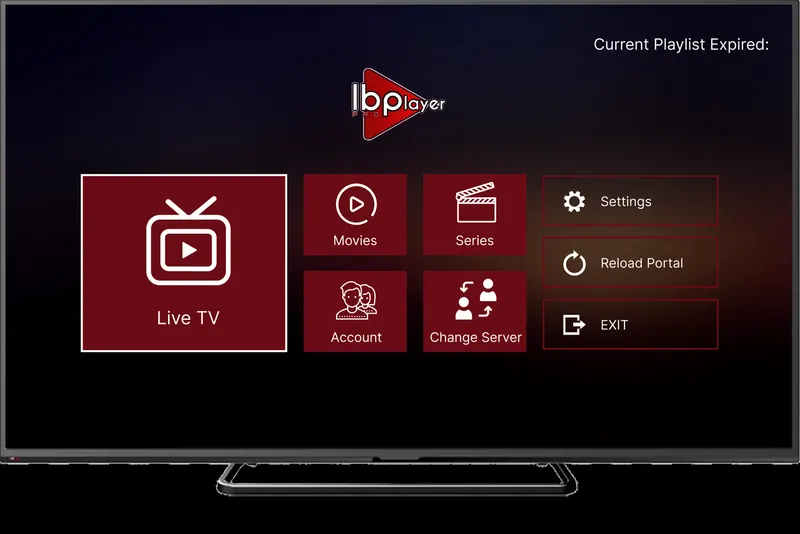
App fee: about £7 for life, with a 7-day trial period, paid to the app maker and separate from your WizTV subscription.

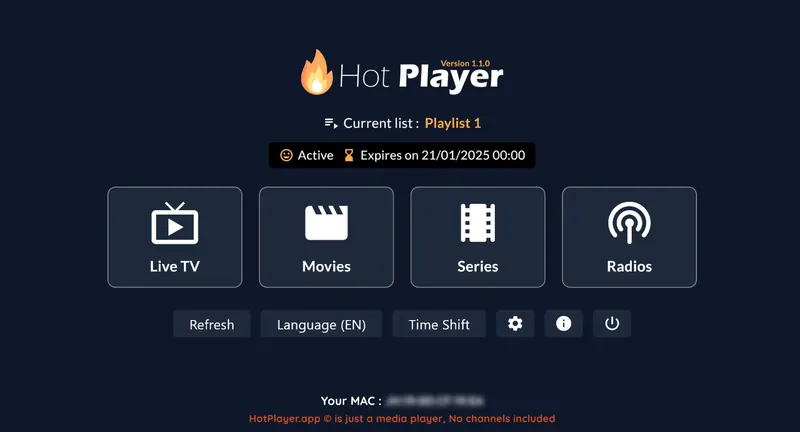
App fee: about £5 a year or £13 for life, with a 30-day trial period, paid to the app maker and separate from your WizTV subscription.
Your login is in the WhatsApp message we send when your order is confirmed. Find your app below and follow its steps.
Lost your username, password or M3U link? Message us and we will resend it.
Go to Settings → Device Preferences → Security & Restrictions → Unknown Sources and check Downloader is turned on.
Check the Shield's display settings are on 4K and that your TV's HDMI input supports it, then play a 4K channel on a connection of at least 25 Mbps.
Some players are designed for touch screens. IPTV Smarters Pro and TiviMate handle the Shield remote well.
The server URL must start with http://, not https://, and the username and password are case sensitive.
Still stuck? Message us on WhatsApp with your device, the app you are using and a photo of any error, and we will sort it out with you.
It's one of the best. It handles 4K with ease, has Ethernet built in and runs every Android player, from Google Play or installed with Downloader.
Only for apps that aren't on Google Play. IPTV Smarters Pro and IBO Player Pro install straight from the Play Store; WizTV Player and Hot Player use Downloader codes.
Yes. Install a player on both and log in with the same details. A 1-screen plan plays on one device at a time, so pick 2 screens if both are usually on together.