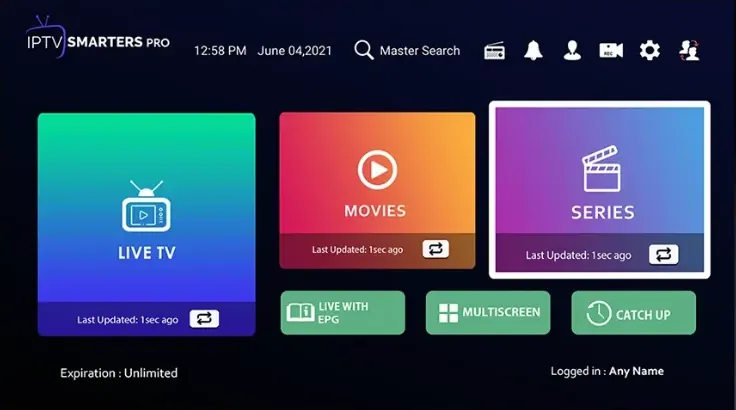
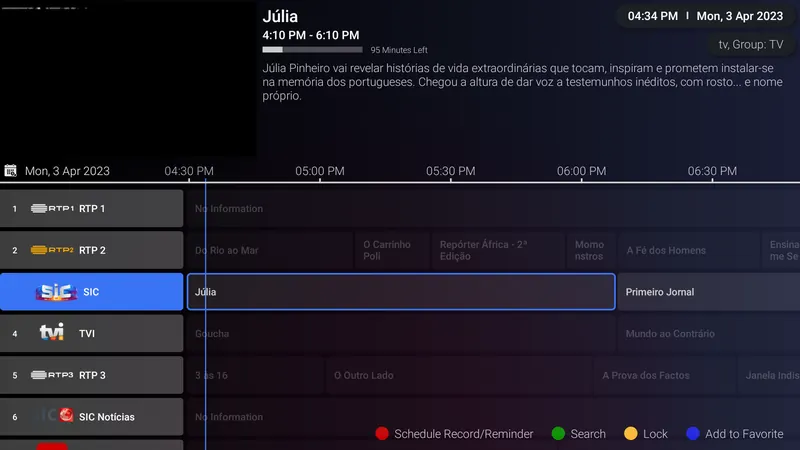
Android phones, tablets and boxes are the easiest devices to set up. Install a player from Google Play or straight from an APK, and log in with the username, password and server URL we sent.
You need an Android phone, tablet or box on a reasonably recent version of Android, a Google account for the Play Store and your WizTV login. Start with a free player; you can always try a paid one later.


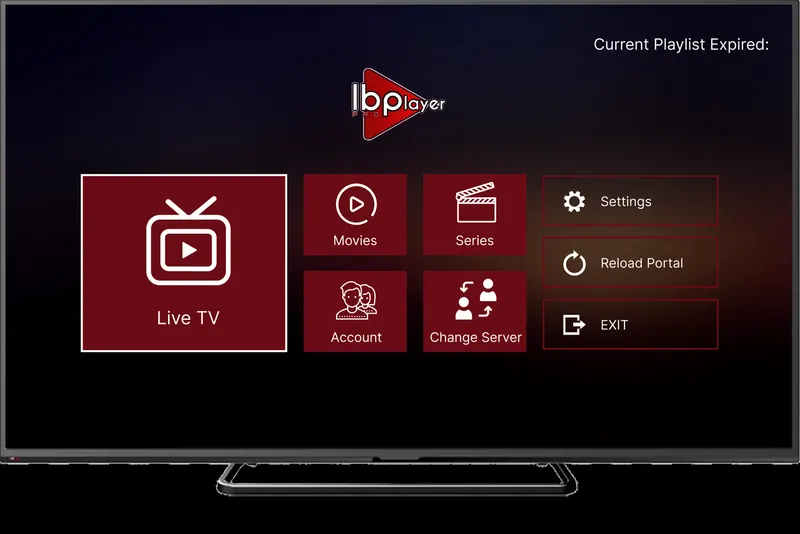
App fee: about £7 for life, with a 7-day trial period, paid to the app maker and separate from your WizTV subscription.

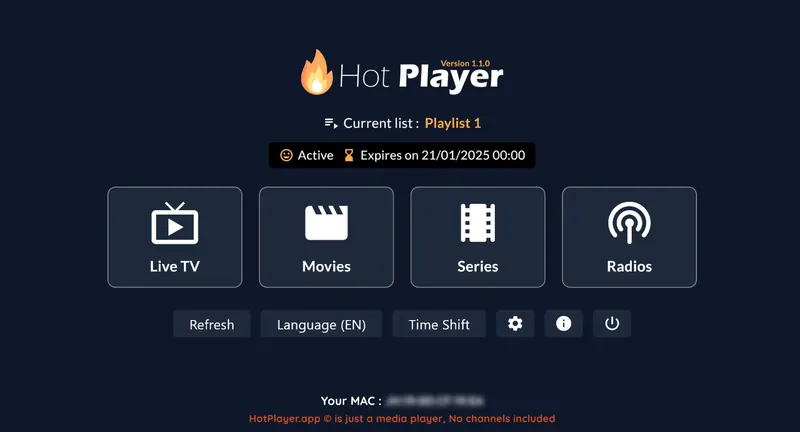
App fee: about £5 a year or £13 for life, with a 30-day trial period, paid to the app maker and separate from your WizTV subscription.
Your login is in the WhatsApp message we send when your order is confirmed. Find your app below and follow its steps.
Lost your username, password or M3U link? Message us and we will resend it.
Some apps limit which phones or boxes can install them from Play. Use the APK link on the app's card, or pick another recommended player.
When Android asks, allow installs from your browser or file manager. The switch is under Settings → Apps → Special access → Install unknown apps.
Check that the server URL starts with http:// not https://, and has no spaces. Copy and paste from your WhatsApp message where you can, because passwords are case sensitive.
Open the player's settings and change the player or decoder type, for example from hardware to software. Most Android players, including IPTV Smarters Pro, have this option.
Still stuck? Message us on WhatsApp with your device, the app you are using and a photo of any error, and we will sort it out with you.
IPTV Smarters Pro or iMPlayer. Both are free, easy to set up with the username, password and server URL we send, and work on phones, tablets and Android TV boxes.
Use Google Play when the app is there, because it updates itself. The APK link is handy for Android TV boxes without the Play Store.
Yes. Install the app on both and log in with the same details. A 1-screen plan plays on one device at a time, so pick 2 screens if you want to watch on both at once.