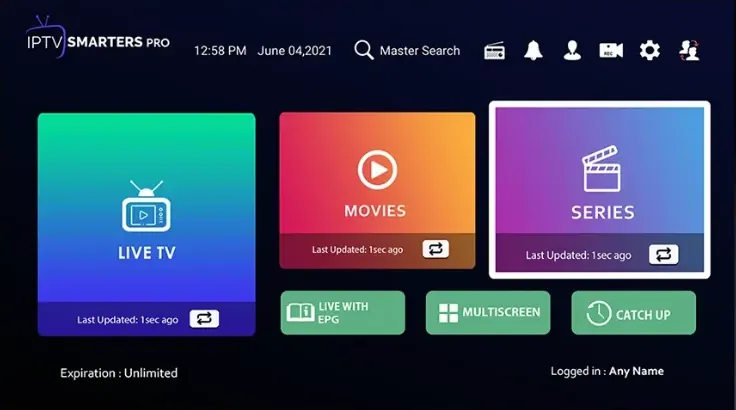
Watch WizTV on a PC, a laptop or a MacBook with a desktop IPTV player. Start with the free IPTV Smarters Pro, or pick one of the paid Microsoft Store apps if you want extra features on Windows.
You need a PC on Windows 10 or 11 or a Mac, permission to install apps and your WizTV login. For the smoothest picture, plug the laptop in and use a cable or 5 GHz Wi-Fi.
Start with the free IPTV Smarters Pro. If you want a different interface, the paid Microsoft Store apps below all have a trial period.


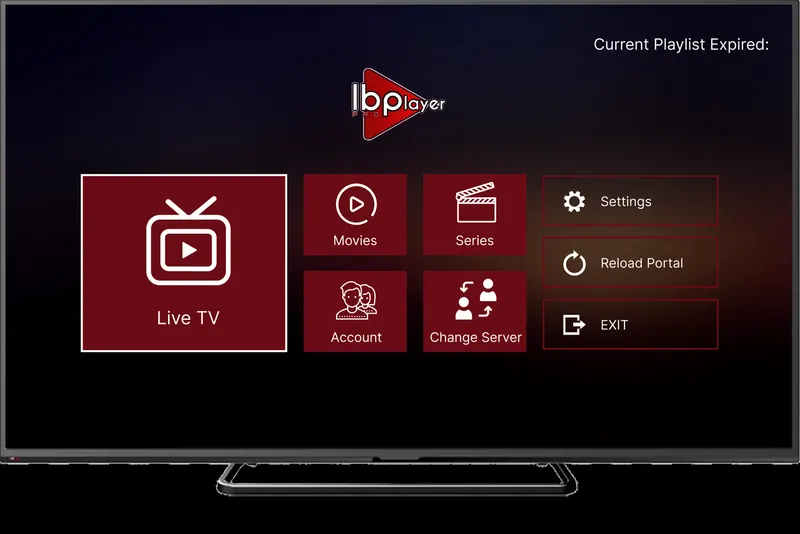
App fee: about £7 for life, with a 7-day trial period, paid to the app maker and separate from your WizTV subscription.

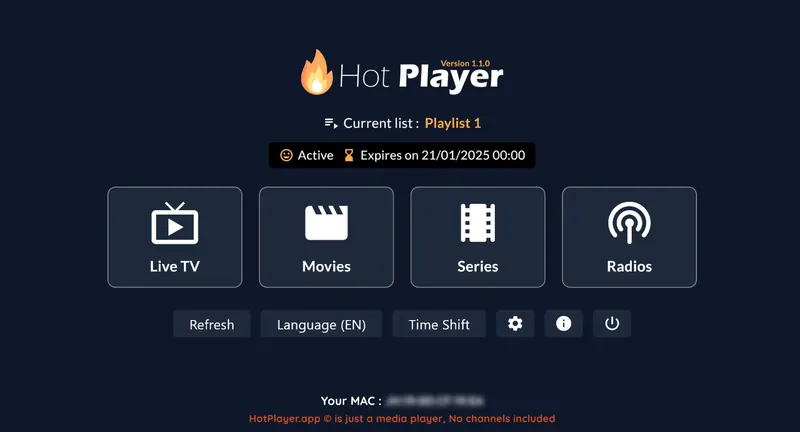
App fee: about £5 a year or £13 for life, with a 30-day trial period, paid to the app maker and separate from your WizTV subscription.

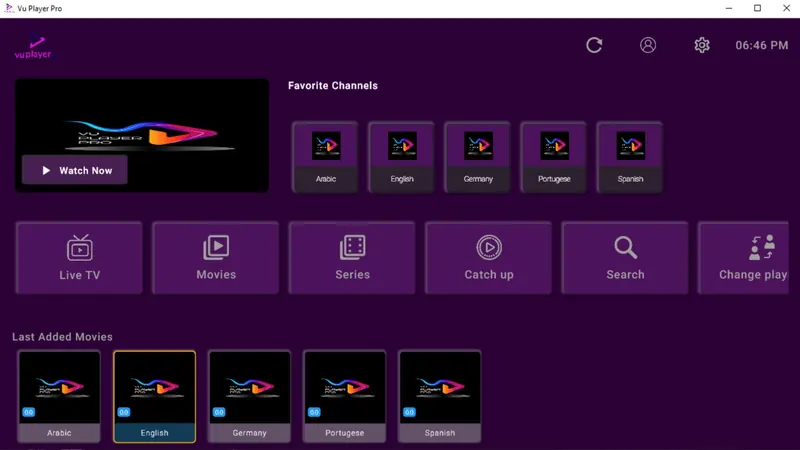
App fee: paid, with a 7-day trial period, paid to the app maker and separate from your WizTV subscription.

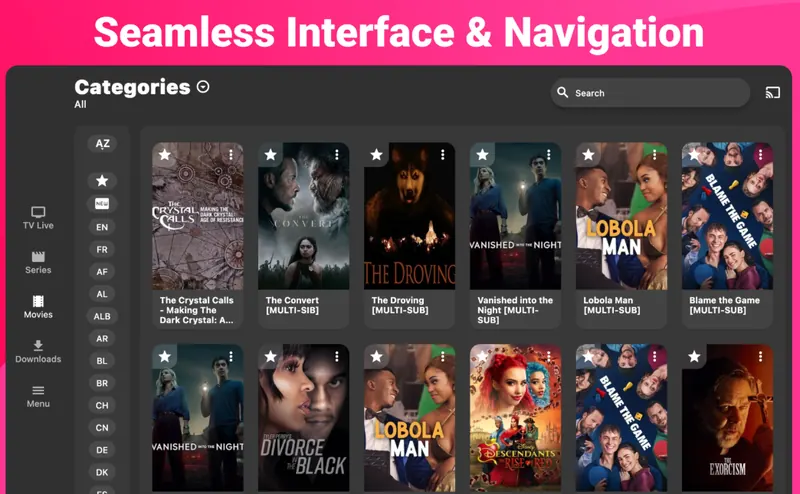
App fee: paid, with a 7-day trial period, paid to the app maker and separate from your WizTV subscription.
On macOS we recommend IPTV Smarters Pro. It's free, simple, and logs in with the same Xtream Codes details as any other device.
Your login is in the WhatsApp message we send when your order is confirmed. Find your app below and follow its steps.
Lost your username, password or M3U link? Message us and we will resend it.
Update Windows and the Microsoft Store app itself, sign in to the Store with your Microsoft account and try the install again.
Make sure you downloaded IPTV Smarters Pro from the official link on this page and that your macOS version is supported. If it still won't open, message us and we suggest another option.
Plug the charger in, because battery saving modes slow video down. Close heavy browser tabs and use a cable if you can.
The server URL must start with http://, not https://. Copy it straight from the message and check there is no space at the end.
Still stuck? Message us on WhatsApp with your device, the app you are using and a photo of any error, and we will sort it out with you.
IPTV Smarters Pro is free and suits most people. If you want a different look, IBO Player Pro, Hot Player, Vu Player Pro and IPTV Expert are in the Microsoft Store, each with a trial period.
Yes, IPTV Smarters Pro has a free Mac version. Download it from the official link on this page and log in with the same username, password and server URL as on any other device.
Yes. Install a player on both and log in with the same details. A 1-screen plan plays on one device at a time, so pick 2 screens if both are usually on at once.