Samsung, LG and other smart TVs can run WizTV straight from their own app store, with no stick or box. Pick one of the players below, install it from your TV's store, and add your WizTV login in a few minutes.
You need the TV connected to the internet, access to its app store (LG Content Store, Samsung Apps or Google Play on Android TV) and your WizTV login. Some TV apps ask you to use a phone or computer for one step, so keep one handy.
Search for XOTT in your TV's app store and install it.

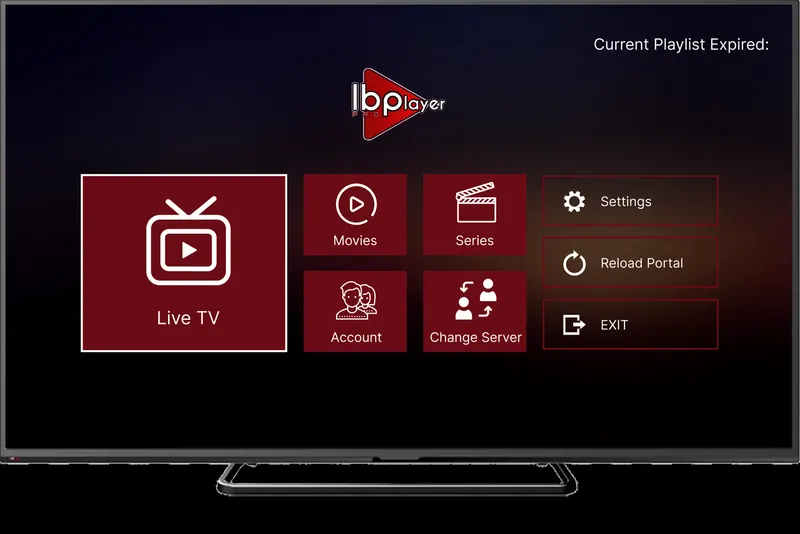
Search for IBO Player Pro in your TV's app store and install it.
App fee: about £7 for life, with a 7-day trial period, paid to the app maker and separate from your WizTV subscription.

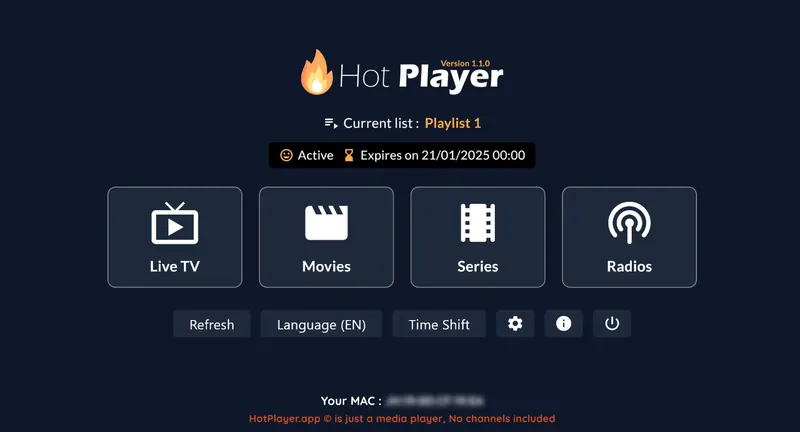
Search for Hot Player in your TV's app store and install it.
App fee: about £5 a year or £13 for life, with a 30-day trial period, paid to the app maker and separate from your WizTV subscription.

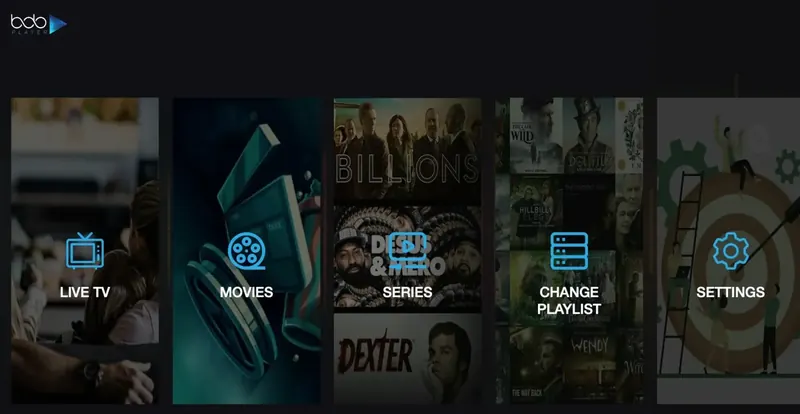
Search for Bob Player in your TV's app store and install it.
App fee: about £7 a year or £11 for life, with a trial period, paid to the app maker and separate from your WizTV subscription.
Your login is in the WhatsApp message we send when your order is confirmed. Find your app below and follow its steps.
Lost your username, password or M3U link? Message us and we will resend it.
Stores differ by brand, model year and region. Search for the exact app name; if it isn't there, try the next one on the list, or message us with your TV model and we tell you which works.
That's normal for IBO Player Pro, Bob Player and Hot Player. The TV shows both on screen, and you type them into the app's playlist page on your phone or computer along with your M3U link.
Paid players stop at the end of their trial period until you activate them on the developer's website. That fee goes to the app's developer, not to WizTV, and your subscription carries on as normal.
A TV's Wi-Fi is often weaker than a phone's. Try an Ethernet cable, move the router closer, or pick the FHD version of a channel instead of the 4K one.
Still stuck? Message us on WhatsApp with your device, the app you are using and a photo of any error, and we will sort it out with you.
Not any more. The Smart TV version of IPTV Smarters is unsupported, so use XOTT, IBO Player Pro, Hot Player or Bob Player from your TV's app store.
Usually, yes. Paid players such as IBO Player Pro, Hot Player and Bob Player are updated more often and run more smoothly on TV hardware. Each has a trial period, and the one-off fee goes to the app's developer, not to WizTV.
Then you have more choice. Install the free Downloader app from Google Play and follow our Fire TV Stick or Android guide to add any player, including the free ones.