








1 month
Try it for a month
£14.99one payment
£14.99 a month
- 1 screen at once
- 35,000+ live channels
- 200,000+ films and series
- 4K / Full HD / HD
- Catch-up TV and EPG
- Built-in VPN protection
- Anti-freeze UK servers
Instant activation · 14-day refund
WizTV is IPTV UK done properly: a subscription for the telly, stick and phone you already own. Live UK and Irish channels, 200,000+ films and series on demand, built-in VPN protection and anti-freeze servers for Saturday night. One payment in pounds, nothing that renews behind your back.
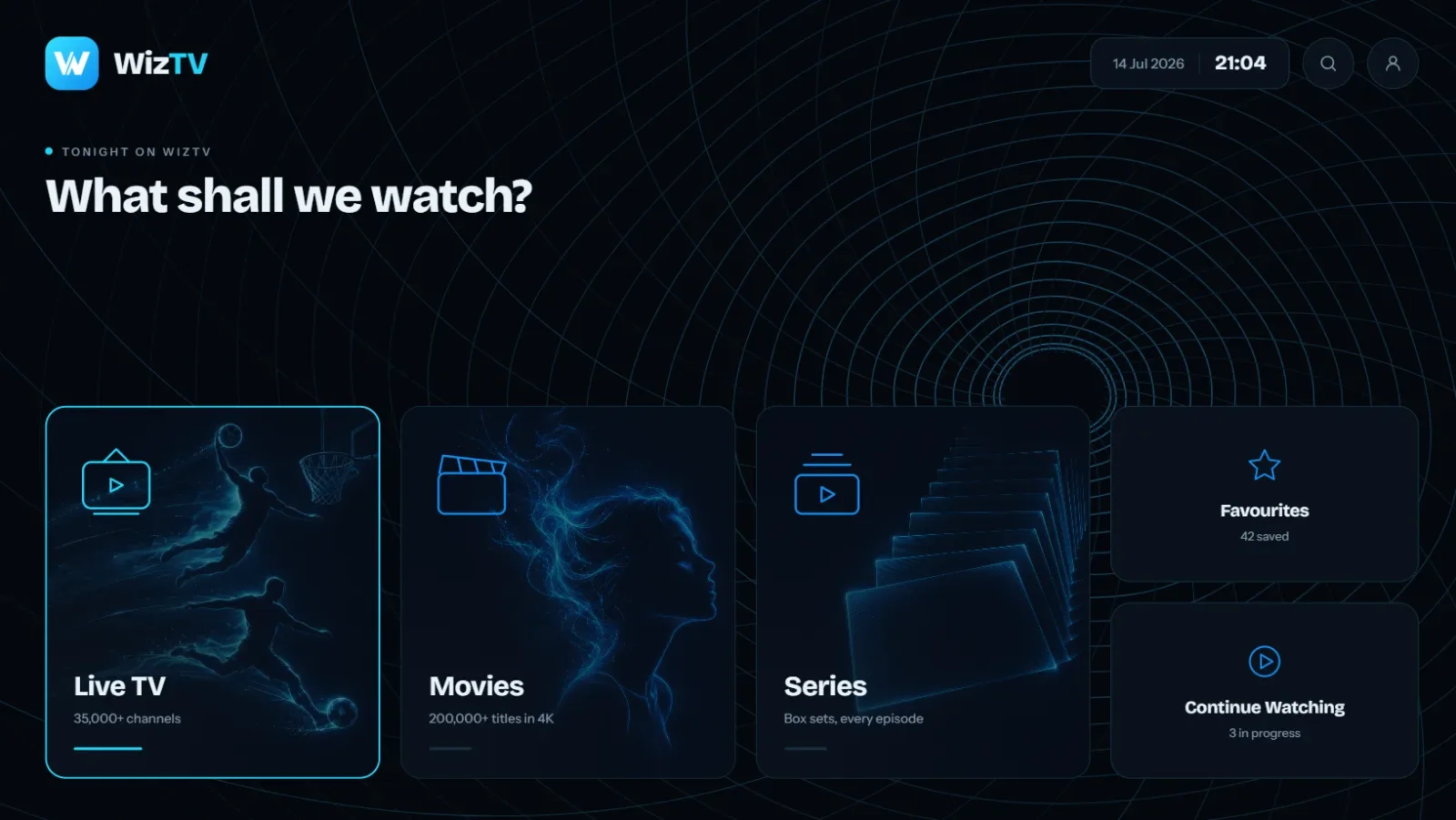
One IPTV UK login covers live telly, the films, the box sets and the sport, in one app. No bundles, no add-on packs, no "sports pass" on top.
 Live TV35,000+ channelsUK and Irish channels first, then Europe, India, the US and the rest of the world, in one searchable guide.
 Movies200,000+ titlesNew releases and the classics on demand, updated weekly, in up to 4K with subtitles.
 SeriesEvery episodeComplete box sets from the big streaming platforms, so you never hunt for season three.
Same channels, same library, same support on every IPTV UK plan. Choose how many months and how many screens watch at once, pay once in pounds, and the login lands on WhatsApp within minutes.
Try it for a month
£14.99one payment
£14.99 a month
Instant activation · 14-day refund
The flexible one
£25.99one payment
£8.66 a month Save 42%
Instant activation · 14-day refund
Half a season
£34.99one payment
£5.83 a month Save 61%
Instant activation · 14-day refund
Best value
£49.99one payment
£4.17 a month Save 72%
Instant activation · 14-day refund
No contract, no auto-renewal14-day money-back guaranteeNeed more than four screens? Ask on WhatsApp
One IPTV UK login works everywhere. Install the app on every device in the house; your plan only decides how many play at the same time. Every device has its own step-by-step guide with screenshots.
Works with IPTV Smarters Pro, TiviMate, IBO Player Pro, XCIPTV and the other popular players. IPTV on Firestick is the most common setup, and it takes about ten minutes.
IPTV in the UK is a volatile market: streams move, ISPs block, apps update, and most providers vanish the moment something breaks. We built WizTV around the second year, not the first week.
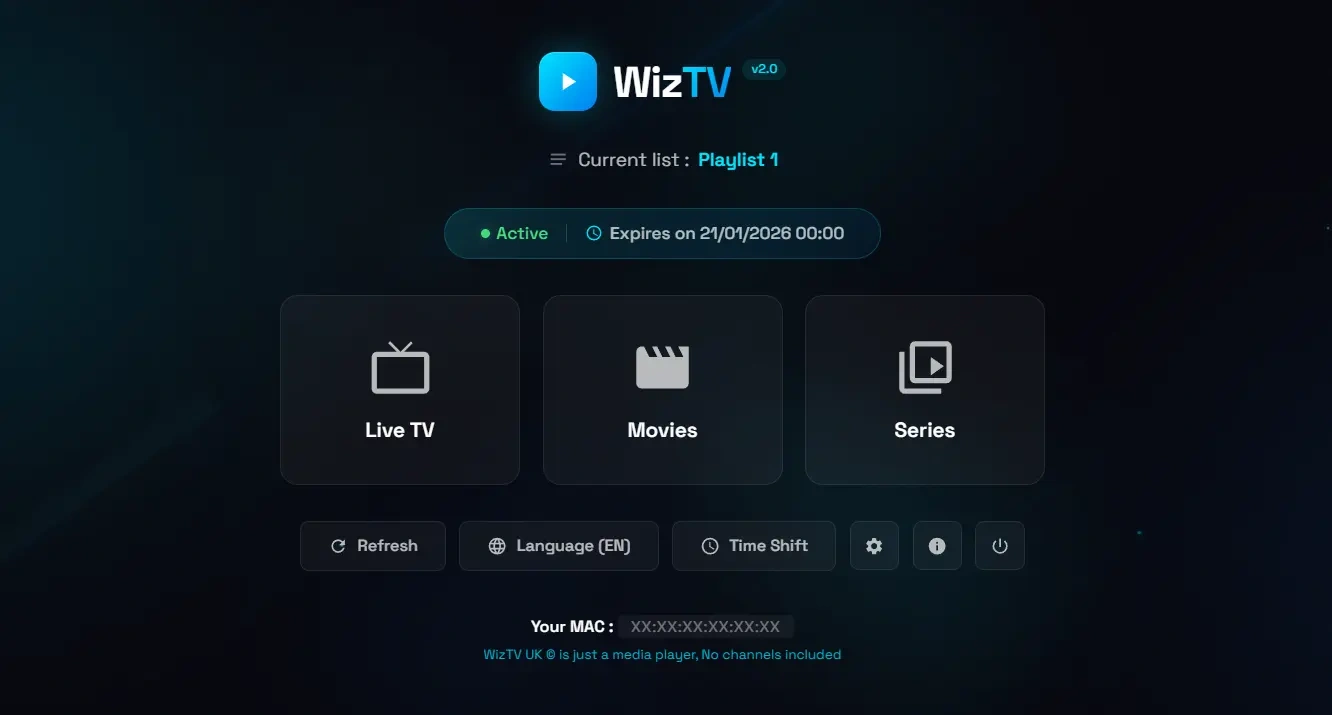
No technical knowledge needed. Most people are watching IPTV UK within fifteen minutes of ordering.
Pick months and screens above. The button opens WhatsApp with your order filled in, or use the checkout and pay by card.
Pay by card, bank transfer or crypto. Your username, password and server address arrive in the chat within minutes.
Follow the guide for your device, type in the login, and the guide fills with channels. Stuck? Send a photo of the screen and we'll walk you through it.
| Feature | WizTV | The big pay-TV packages | Typical IPTV seller |
|---|---|---|---|
| Price | From £4.17 a month, paid once | Rises every year, plus box rental | Cheap teaser, then a quiet increase |
| Contract | None. Nothing renews | 18 to 24 months | Auto-renewal |
| What you can watch | 35,000+ channels, 200,000+ titles | Hundreds, sold in bundles | Big number, many dead channels |
| Sport | Every league and fight, in 4K where it's shown | Sports pass costs extra | Freezes at kick-off |
| Privacy | Built-in VPN protection | Tied to your account | "Use your own VPN" |
| Devices | Any TV, stick, phone or box | Their box | Hit and miss |
| When something breaks | A person in the chat, 7 days a week | Phone queue | Left on read |
| If you change your mind | 14-day refund | Exit fee | No refunds |
Rated 4.5 out of 5 by 11 customers. The messages that turn up in the chat a week or two after people start, when the first match weekend is behind them, the gripes included.
iPhone and iPad mostly, the telly at weekends. The app they recommend on iOS is paid, which I did not expect, but it is a one-off and small. Streams start quickly and the 12-month plan works out cheap.
Been with them since the spring. One outage of about an hour on a Sunday in September, and I had a message about it before I noticed. That is more than my old provider ever managed.
Three stars for the first week, five now. The first server link buffered on my router at peak time; they sent an alternative link and that fixed it completely. Wish that had been the default.
Renewal is manual, which took me a second to understand. Sent my username on WhatsApp, same login extended, done in ten minutes. I prefer it to a card on file.
Honest take: it does what it says. I was sceptical about the built-in protection but it has worked through my ISP without any extra app. Three months on, no complaints.
The Punjabi and Hindi channels are the reason we switched and they are all there, in their own list rather than buried. Catch-up works on the ones we use. Whole family on it now.
IPTV stands for Internet Protocol Television: live TV and on-demand video delivered over your broadband instead of a satellite dish or an aerial. You install a player app on your smart TV, Fire TV Stick, phone or laptop, type in the login we send you, and the guide fills with channels. It's the same telly, arriving by a different road. You need a broadband connection of about 10 Mbps for Full HD and 25 Mbps for 4K, and nothing else.
Every UK channel you'd expect is there, from every terrestrial channel to the big sports and movie channels, plus the Irish channels and hundreds from Europe, India, the US and the Middle East. The guide is organised by country and category, so the UK list is one screen, the sport is one screen, and the Punjabi, Hindi, Tamil or Polish channels are a screen of their own rather than mixed into everything.
The Premier League, the Champions League, the EFL, Scottish football, Formula 1, the cricket, rugby union and league, the darts, the snooker, the golf majors and the big boxing and UFC nights, all in the sport category. Where the broadcaster sends 4K, you get 4K, and every busy channel also has a Full HD and an HD copy for the evenings your own connection is the limit.
The on-demand side carries 200,000+ films and complete series from the big streaming platforms, searchable from the same app you watch live TV in. New releases land weekly, with subtitles where they exist, and catch-up keeps recent programmes on supported channels for the nights you miss something.
IPTV as a technology is legal: it is simply television over the internet, and the big broadcasters and streaming platforms all use it. Whether a particular stream is licensed depends on the broadcaster's rights, and that line is not one we talk around. WizTV does not host or stream any content itself; everything is delivered by third-party providers. Read our terms of service and the DMCA policy, both in plain English, and see what IPTV is for the longer version.
Not with WizTV. The protection is built into the stream, so your connection stays private and stable from the first channel, without a separate app, a subscription or anything to switch on. If you already run a VPN, keep it and choose a UK server for the best speed. The blog has a longer piece on when a VPN helps and when it hurts.
From the outside every IPTV UK provider looks the same: a big channel number, a low price, a WhatsApp button. The difference shows up in month four, when a provider blocks a route or a Saturday fixture pulls the whole country onto the same stream. We update against ISP blocks the same day, keep the servers sized for peak time, answer the chat seven days a week, and give you 14 days to get your money back if it isn't what we said. That's the whole pitch, and the best IPTV UK guide explains how to check any provider against it.
Usually within fifteen minutes. Your login arrives on WhatsApp as soon as the payment clears, and installing the app on a Fire TV Stick, smart TV or phone takes five to ten minutes with the guide.
By card through the checkout, by bank transfer, or in crypto. The price on the plan is the price you pay; there is nothing added at the end and nothing taken later.
A screen is one device playing at the same time. Install the app on every device in the house; your plan only sets how many play at once. One screen covers one telly. Two covers the living room and a phone. Three or four are for a full house.
Fire TV Stick and Cube, Samsung and LG smart TVs, Android TV and boxes, Nvidia Shield, iPhone and iPad, Android phones and tablets, Windows and Mac, MAG and Formuler boxes. Anything that runs an IPTV player works, and each device has a guide with screenshots.
There is no trial. Every plan carries a 14-day money-back guarantee instead: order, install, watch on a busy night, and if it is not right message us within 14 days for a full refund. The 1-month plan is the cheapest way to find out.
No. Every plan is one payment for 1, 3, 6 or 12 months and that is the only charge. When the plan ends it simply stops. To carry on, send us your username and we extend the same login.
You message the same WhatsApp chat you ordered in and a person answers, seven days a week. Most fixes are a setting in the app or an updated server link we send you.
No. VPN protection is built into the WizTV streams. If you already use one, keep it and pick a UK server.
Yes. Every order has a 14-day money-back guarantee. Message us within 14 days of activation and you get a full refund, no explanation needed.
Yes, on the channels the broadcaster sends in 4K, which includes most of the big sport. You need about 25 Mbps for 4K; Full HD is fine from 10 Mbps.
Which app to install, where to get it, where the login goes, and what to do when something doesn't load. Each guide ends with the fixes for that device.